Contributing
The OpenAIRE guidelines can be viewed online on http://guidelines.openaire.eu.
Create a GitHub account
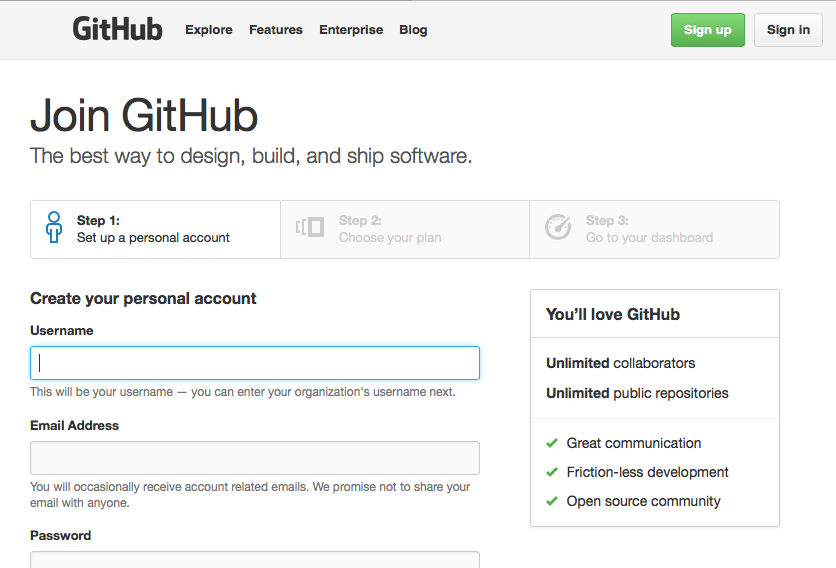
You will need a GitHub account to contribute to the OpenAIRE guidelines. It is free an easy - just go to https://github.com/join and follow the instructions.
Once you’ve got your GitHub account, ahead on over to the OpenAIRE Guidelines on GitHub https://github.com/openaire/guidelines
Participate in the discussion
Want to participate in our discussion? Join the ongoing conversation on our list of issues: https://github.com/openaire/guidelines/issues
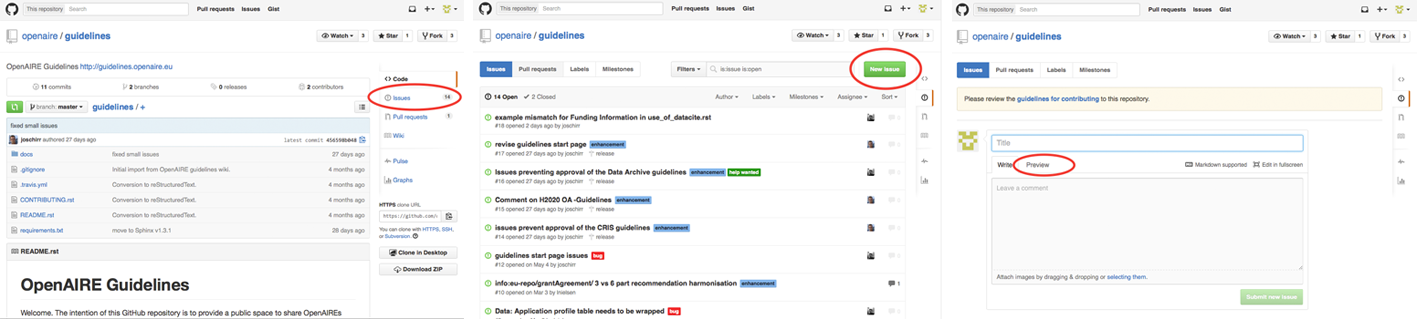
Have a question, feedback or problem? Simply go open a new issue on our GitHub repository: https://github.com/openaire/guidelines/issues/new.
You can also get to the “New issue” from the frontpage of our GitHub repository:
Styles
The description of issues can be styled using a syntax called Markdown. See more on how to create headings, bold and bullets on https://guides.github.com/features/mastering-markdown/. You can even include images in the text, simply by dragging and dropping the image onto the issue description text area.
Editing the guidelines
Found a typo or want to revise major parts of the guidelines? Editing the guidelines can be done directly on GitHub. If this is the first time you are using GitHub, follow our guide here: Editing the guidelines
Get notified
Afraid you missed an update? GitHub allows you to easily keep updated with the latest changes using their notifications: